

React Native App Development
The strongest argument for React Native is rarely technical. It is that the people who will maintain the app in three years already know the language.
- Most engagements run
- Four to eleven months
- Team shape
- Two to five senior engineers
- Starts with
- A skills and boundary review

One skill set, two stores
If your team writes TypeScript for the web, React Native means the mobile app is not a separate hiring problem, a separate review process or a separate on-call rota. That is a real and durable saving, and it is a different argument from the one about writing code once.
The engineering is otherwise conventional mobile work. The decisions that matter are the shared and native boundary, whether to take Expo's managed workflow or run bare, and what the app does with no connection. We settle all three in the first fortnight, because each is expensive to reverse once features are built on top of it.
What usually goes wrong, and what we do instead
React Native problems are mostly dependency problems and boundary problems.
Where React Native projects get stuck
- A native dependency abandoned upstream and holding back every upgrade
- Platform conditionals scattered until the shared code is not shared
- The web team's React habits applied to a list on a low-end handset
- An upgrade deferred until the version is several majors behind
- Store release mechanics treated as an afterthought at launch
How we build it instead
- Every native dependency assessed for maintenance before it is adopted
- The shared and native boundary written down before the first feature
- Lists, navigation and rendering built for the slowest device you support
- Upgrades on a cadence, so the version gap never becomes a project
- One pipeline to both stores, running from the first month
What we build
The parts of a React Native app that decide whether it stays maintainable.
TypeScript throughout
One language across app and services, with types shared rather than restated on each side.
Expo or bare, decided deliberately
The managed workflow where it fits, and a bare project where native requirements say otherwise.
Native modules
Written and owned where the ecosystem has no maintained option, rather than depending on an abandoned one.
Offline and sync
A defined answer for no signal and a conflict rule per data type, implemented once for both platforms.
Performance on real devices
List rendering, navigation and startup measured on the slowest supported handset, with budgets in CI.
Release engineering
One pipeline producing both store artefacts, with staged rollout and a documented halt.
What you end up with
Stated from your side rather than ours.
An app your web team can maintain
Same language, same tooling, same review process, which is where the durable saving actually is.
Two apps that behave the same
One sync contract and one set of business rules mean a bug is in one place rather than being two different bugs.
A dependency list you can defend
Every native package assessed before adoption, so an abandoned library does not become the thing blocking upgrades.
Performance you measured rather than hoped for
Budgets enforced on the slowest device you support, so the low end is the target rather than the exception.
How the build runs
The same five stages as every engagement, applied to a React Native app.
Diagnose
What your team already knows, what the app must reach on the device, and the real device range.
Decide
Expo or bare, the shared and native boundary, and the performance budgets, written down with what each costs.
Prove
One workflow shipped to both test tracks from one pipeline, on the slowest supported device.
Deliver
Features built in slices, each released to both platforms before the next is scoped.
Hand over
Your team ships a release to both stores with us watching, then without us.
What we build it with
Chosen for what a shared TypeScript codebase has to survive on two platforms.
Application
- React Native
- TypeScript
- React
- Expo



Data on device
- SQLite
- MMKV
- WatermelonDB
- Firebase

Services
- Node.js
- GraphQL
- PostgreSQL
- Redis



Delivery
- GitHub Actions
- TestFlight
- Gradle
- Sentry


What you get, and when
Handed over as it is produced, not assembled at the end.
- Expo or bare, decided with the reasoning written down
- The shared and native boundary, and what belongs on each side
- A dependency assessment covering maintenance risk
- Source in repositories you own
- One pipeline producing both store artefacts
- Types shared between app and services rather than restated
- Crash and performance dashboards split by platform and version
- A framework upgrade cadence your team can follow
- A release runbook your team has used with us on both stores
The rest of our cross-platform work
Shared-codebase engagements overlap more than most. These are the neighbouring ones.
Where we have built this
Sectors where a web team already exists and the mobile app should not be a second organisation.

Fintech & BFSI
Secure, reliable systems for businesses built on trust.
We build and modernize financial platforms, workflows, integrations, and customer-facing applications where reliability, data integrity, auditability, security, and performance are fundamental to the business.
Fitness
Digital products designed to turn engagement into progress.
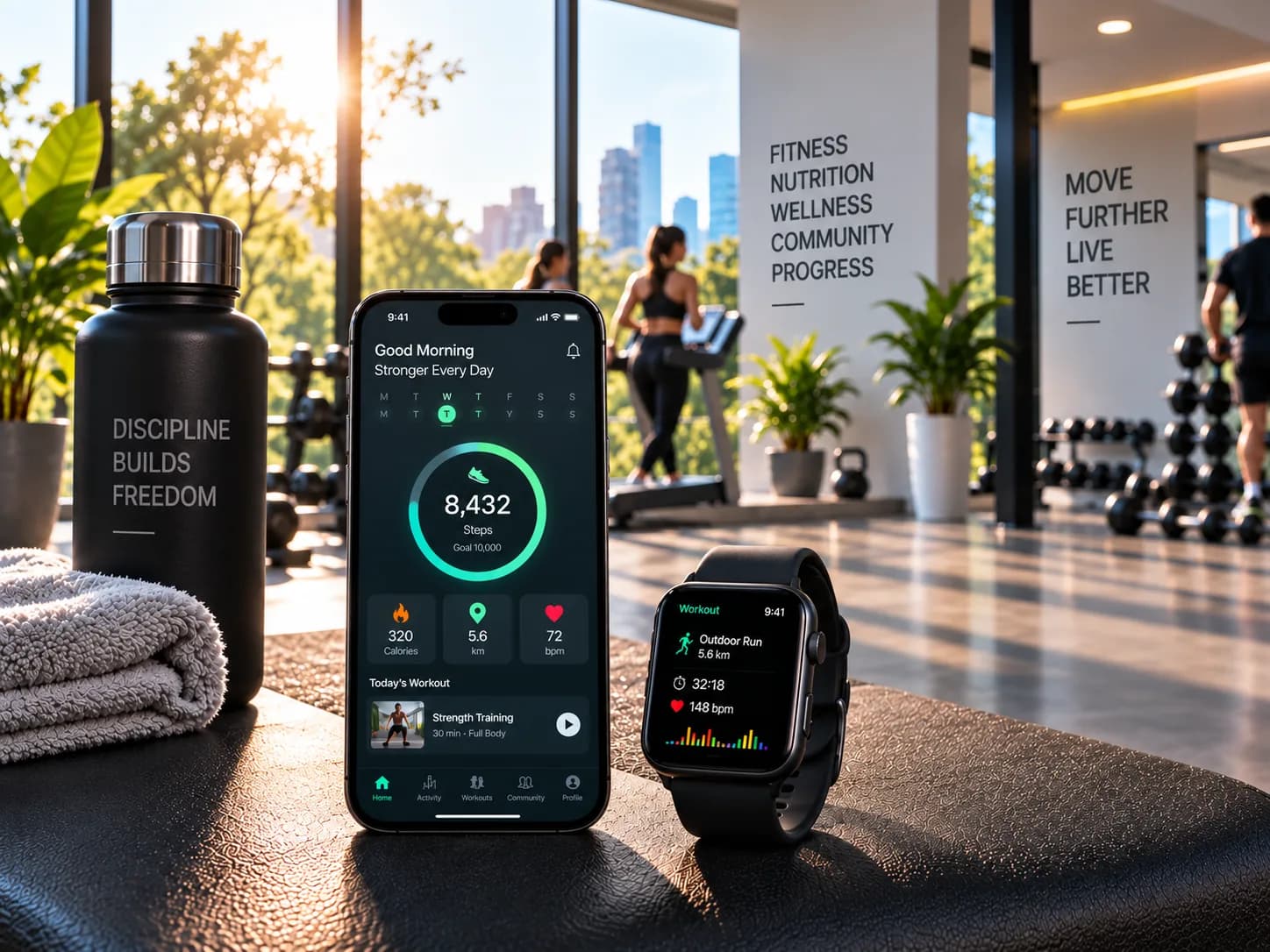
We create fitness platforms supporting member experiences, scheduling, subscriptions, progress tracking, coaching workflows, administration, and integrations, with usability and continued engagement at the centre.

Food & Travel
Digital experiences that keep customers and operations moving.
We build customer journeys and operational platforms around ordering, booking, marketplaces, partner integrations, administration, and real-time workflows where experience and operational efficiency need to work together.

EdTech & eLearning
Learning platforms designed around engagement and scale.
From learner journeys and course delivery to assessments, administration, analytics, and integrations, we develop education platforms that make learning experiences easier to operate, evolve, and scale.
Related work
Engagements where one team had to carry both platforms.


Questions about React Native
The ones we are asked most often before a first conversation.
Should we use Expo?
Can our React web developers build this?
Is it fast enough?
Can we push updates without going through the stores?
Why React Native rather than Flutter?
We have native apps already. Can we move to this?
Web team that needs to ship a mobile app?
Tell us what your team already writes and what the app has to do. We will tell you whether this is the right fit.