

Enterprise Mobile App Development
An app your staff have to use is a different problem from an app your customers choose to. It has to work on the device they were issued, on the network they have, under the policy your security team wrote.
- Most engagements run
- Six to fifteen months
- Team shape
- Three to six senior engineers
- Starts with
- A diagnostic, before any proposal

The device is not the user's, and that changes everything
Consumer apps optimise for install and retention. An internal app has neither problem and a different set: it has to enrol into device management, authenticate against your directory, work where your staff work, and leave an audit trail of what was done on it.
None of that can be added at the end. Enrolment shapes the release process, SSO shapes the session model, and offline requirements shape the data model. We establish all three in the diagnostic — usually in a room with IT and security rather than only with the business — because those are the constraints that decide whether the app is deployable at all.
What usually goes wrong, and what we do instead
Enterprise mobile projects rarely fail on features. They fail on deployment.
Where enterprise mobile gets stuck
- Device management discovered after the app is built, not before
- Authentication that assumes a browser and a connection
- Offline behaviour designed for an office, used in a basement
- An audit trail added when compliance asks rather than by design
- Distribution through a public store when it should never be public
How we build it instead
- Enrolment and distribution decided with IT before any code
- SSO with a session model that survives days without a connection
- Offline scoped against the real working environment, on site
- Every action attributable and exportable from the first release
- Managed distribution, so a release reaches devices rather than a store
What we build
The surfaces an internal app needs before IT will deploy it.
Device management
Enrolment, configuration and managed app settings across the MDM your organisation already runs.
Single sign-on
SAML or OIDC against your directory, with conditional access and a session model built for the field.
Offline operations
Work captured where there is no signal and reconciled on return, with a conflict rule per record.
Audit trail
Who did what, on which device, when — attributable and exportable from the first release.
Line-of-business integration
The systems the process actually depends on, integrated on agreed record ownership.
Managed distribution
Releases that reach enrolled devices through your MDM rather than a public store listing.
What you end up with
Stated from your side rather than ours.
An app IT will actually deploy
Enrolment, policy and distribution were designed with them from week one, so approval is a step rather than an obstacle.
Staff who can work anywhere
A basement, a rural site or a shielded building stops being the reason the job was recorded on paper and typed up later.
Answers ready before the audit
Who did what, on which device and when is a query rather than a project, because the model carried it from the start.
Support that can diagnose remotely
Errors broken down by device, version and user, so a problem in the field does not need a site visit to understand.
How the build runs
The same five stages as every engagement, applied to an app the business runs on.
Diagnose
The real working environment, the device estate, and what IT and security require — established on site, not in a meeting room.
Decide
Enrolment, the session model, the offline data set and the audit scope, written down with their trade-offs.
Prove
One workflow, on an enrolled device, in the place it will be used, offline and back.
Deliver
Features built in slices, each deployed to a pilot group before the next is scoped.
Hand over
Your team ships a release with us watching, then without us.
What we build it with
Chosen for what an app has to prove before it can be deployed to staff.
Application
- Kotlin
- Swift
- React Native
- Flutter


Device and identity
- MDM
- SSO
- Azure
- Firebase


Services
- Node.js
- Java
- Spring Boot
- PostgreSQL
- Kafka





Platform
- AWS
- Azure
- Kubernetes
- Datadog



What you get, and when
Handed over as it is produced, not assembled at the end.
- The device estate and the enrolment approach, agreed with IT
- The session model, including what happens after days offline
- The audit scope and the retention policy it has to satisfy
- Source in repositories you own
- A signing and distribution pipeline through your MDM
- Pilot releases from the first slice onwards
- Audit trail schema and its retention policy
- Access review evidence and a device-loss procedure
- A rollout runbook your team has used on a pilot group
The rest of our mobile work
A mobile engagement rarely stops at one of these. These are the ones next to it.
Where we have built this
Sectors where the work happens away from a desk and still has to be evidenced.
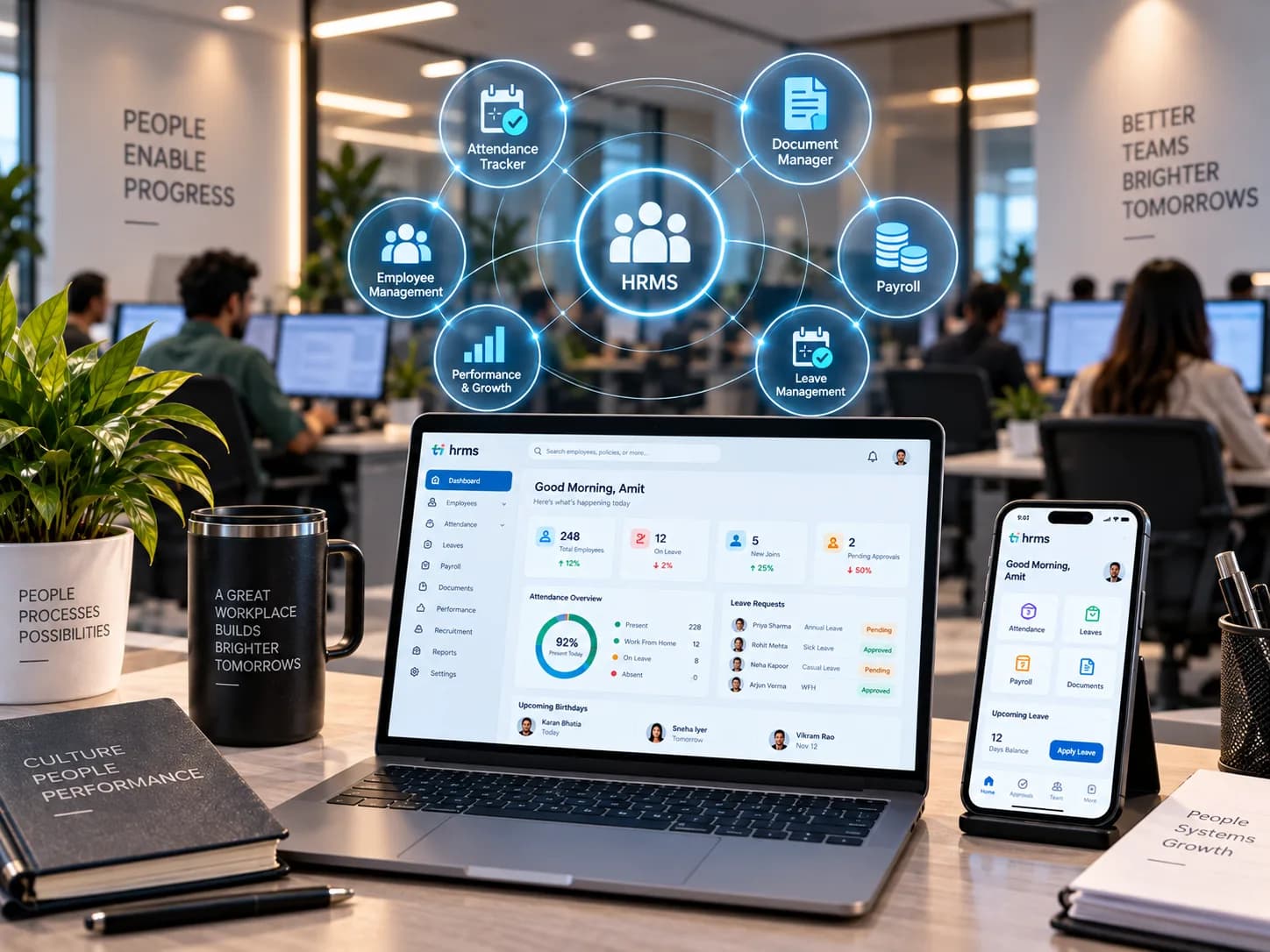
HRMS
Workforce systems built around how organisations actually operate.
We build and improve workforce platforms spanning recruitment, onboarding, employee management, attendance, operational workflows, reporting, and integrations, reducing friction across the employee lifecycle.
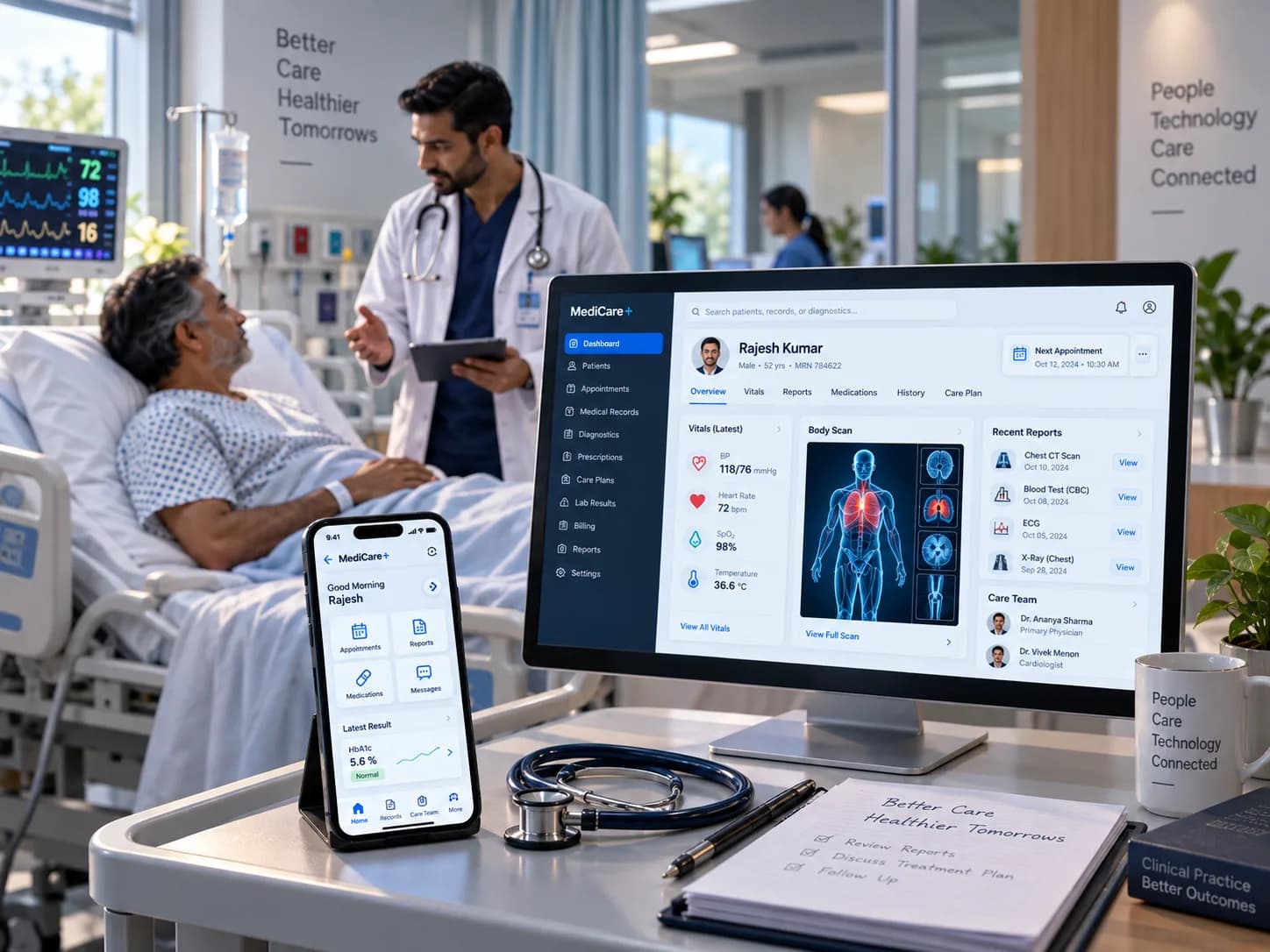
Healthcare
Technology that connects complex care and operational workflows.
We help build digital healthcare platforms, operational workflows, integrations, and data-driven applications designed around reliability, secure information handling, usability, and the realities of interconnected healthcare systems.
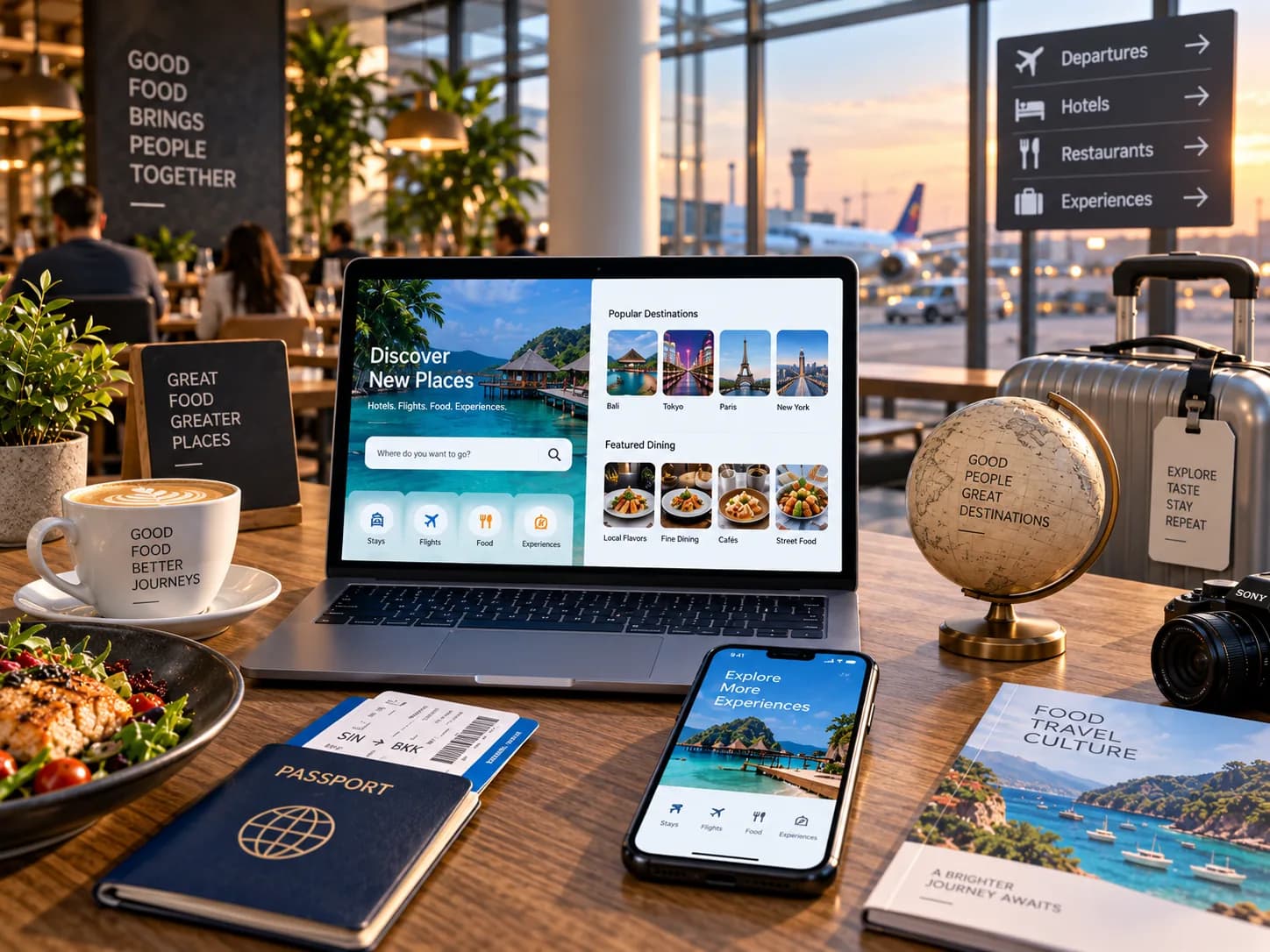
Food & Travel
Digital experiences that keep customers and operations moving.
We build customer journeys and operational platforms around ordering, booking, marketplaces, partner integrations, administration, and real-time workflows where experience and operational efficiency need to work together.
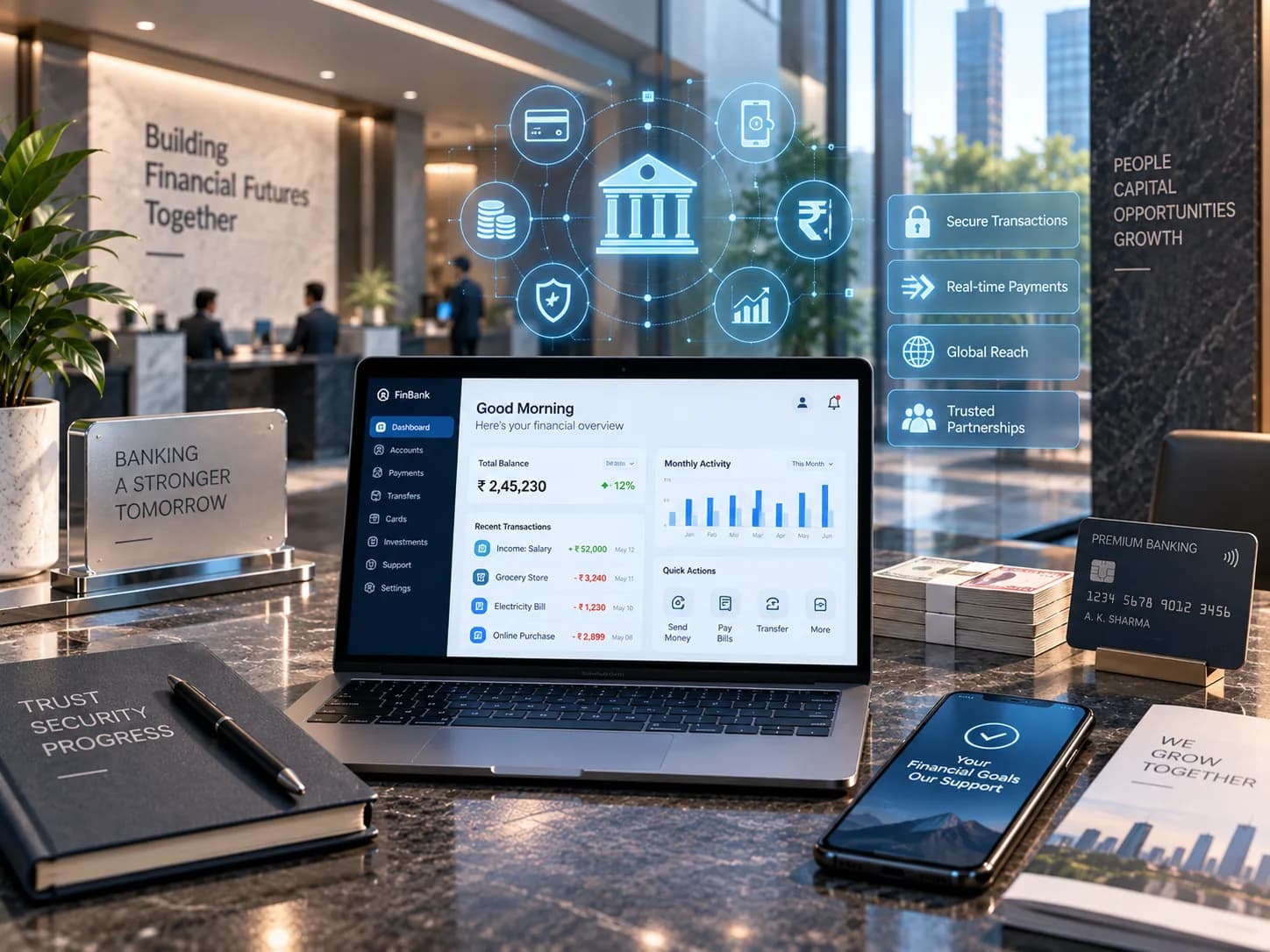
Fintech & BFSI
Secure, reliable systems for businesses built on trust.
We build and modernize financial platforms, workflows, integrations, and customer-facing applications where reliability, data integrity, auditability, security, and performance are fundamental to the business.
Related work
Engagements where the app had to satisfy IT before it could reach anyone.


Questions about enterprise mobile
The ones we are asked most often before a first conversation.
Will it work with our device management platform?
Our staff use their own phones. Does that change things?
Does it have to go through a public app store?
How much has to work offline?
Can you meet our compliance requirements?
Do we need separate iOS and Android builds?
Building an app your staff have to use?
Tell us where they work and what IT requires. We will tell you what that means for the build.