

iOS App Development
An iOS app is judged twice: once by your users, and once every September by an operating system that did not consult you.
- Most engagements run
- Four to ten months
- Team shape
- Two to four senior engineers
- Starts with
- A diagnostic, before any proposal
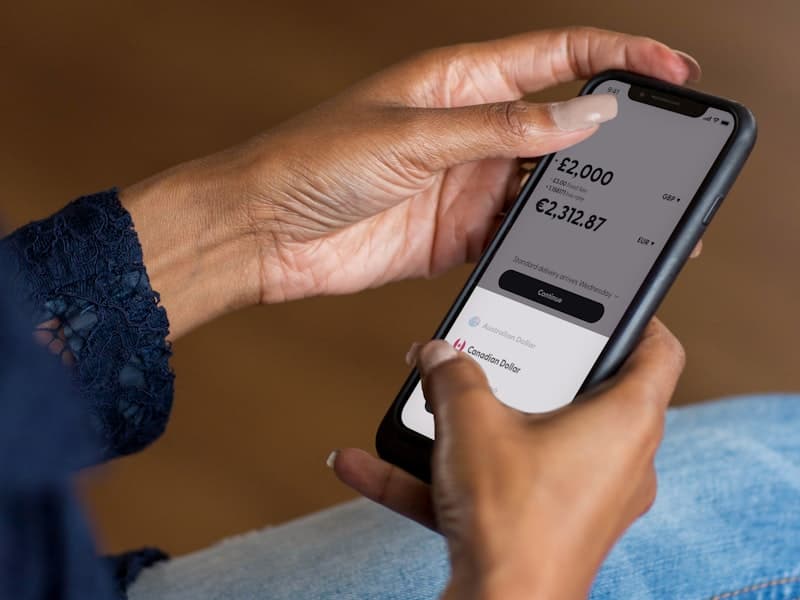
Building with the platform costs less than building around it
Every iOS project reaches a point where the platform's way of doing something is inconvenient and there is a faster path around it. Taking that path is how apps end up needing a rewrite two OS releases later.
We build to Apple's conventions — its navigation patterns, its concurrency model, its privacy and permission flows — because they are also what the next OS release is designed to keep working. That decision costs a little in the first month and saves the September rebuild every year after it. The other thing that decides the outcome is what happens with no signal, which on a phone is a routine state rather than an error.
What usually goes wrong, and what we do instead
The pattern is consistent enough that we now check for it in the first week.
Where iOS builds get expensive
- Platform conventions worked around, so each OS release breaks something
- Offline treated as an error state rather than a normal one
- Permissions requested on launch, before the user knows why
- Releases blocked by review with no way to change anything remotely
- Testing on the newest device only, so older hardware is a surprise
How we build it instead
- Apple's own patterns for navigation, concurrency and permissions
- Offline designed as a normal state, with a sync rule per data type
- Permissions asked for at the moment they make sense to the user
- Feature flags, so a release can be changed without another review
- Tested on the range of devices your users actually carry
What we build
The parts of an iOS app that decide whether it survives the next OS release.
Native Swift and SwiftUI
Built on the current platform patterns, with UIKit where SwiftUI is not yet the right answer.
Offline and sync
A defined answer for no signal, and a conflict rule per data type agreed before it is built.
Security and privacy
Keychain, biometrics and the privacy manifest, with data collection you can actually justify.
Notifications
Push and local notifications designed around what earns attention rather than what is possible.
Platform surfaces
Widgets, App Intents, Shortcuts and share extensions where they carry real weight.
Performance and stability
Launch time, memory and crash rate measured on real devices, and treated as budgets.
What you end up with
Stated from your side rather than ours.
An app that survives September
Built on the platform's own patterns, so a new OS release is a test pass rather than a rebuild.
Something that works on a train
Offline is a designed state with agreed conflict rules, so a lost signal does not lose work.
A privacy story you can defend
The manifest matches what the app actually collects, which is what makes review predictable.
A codebase your team can take on
Conventional Swift, documented decisions and a pipeline that builds and ships without us.
How the build runs
The same five stages as every engagement, applied to an iOS app.
Diagnose
Who uses it and where, which devices and OS versions matter, and what has to work with no signal.
Decide
Architecture, the offline data set and the release strategy, written down with their trade-offs.
Prove
One workflow end to end on real hardware, offline and back, and through App Store review once.
Deliver
Features built in slices, each released to a test group before the next is scoped.
Hand over
Your team ships a release with us watching, then without us.
What we build it with
Chosen for what an app has to survive on a device you do not control.
Application
- Swift
- SwiftUI
- UIKit
- Combine
Data on device
- SwiftData
- Core Data
- Keychain
- SQLite
Services
- Node.js
- TypeScript
- PostgreSQL
- Firebase



Delivery
- Xcode Cloud
- TestFlight
- GitHub Actions
- Sentry


What you get, and when
Handed over as it is produced, not assembled at the end.
- The device and OS version range we will support, and why
- The offline data set and a conflict rule per data type
- A release strategy, including what can be changed without review
- Source in repositories you own
- A signing and release pipeline in your Apple account
- Builds to a test group from the first slice onwards
- A privacy manifest that matches what the app collects
- Crash and performance dashboards with alerting
- A submission runbook your team has used at least once with us
The rest of our mobile work
A mobile engagement rarely stops at one of these. These are the ones next to it.
Where we have built this
Sectors where the phone is the product rather than a companion to it.
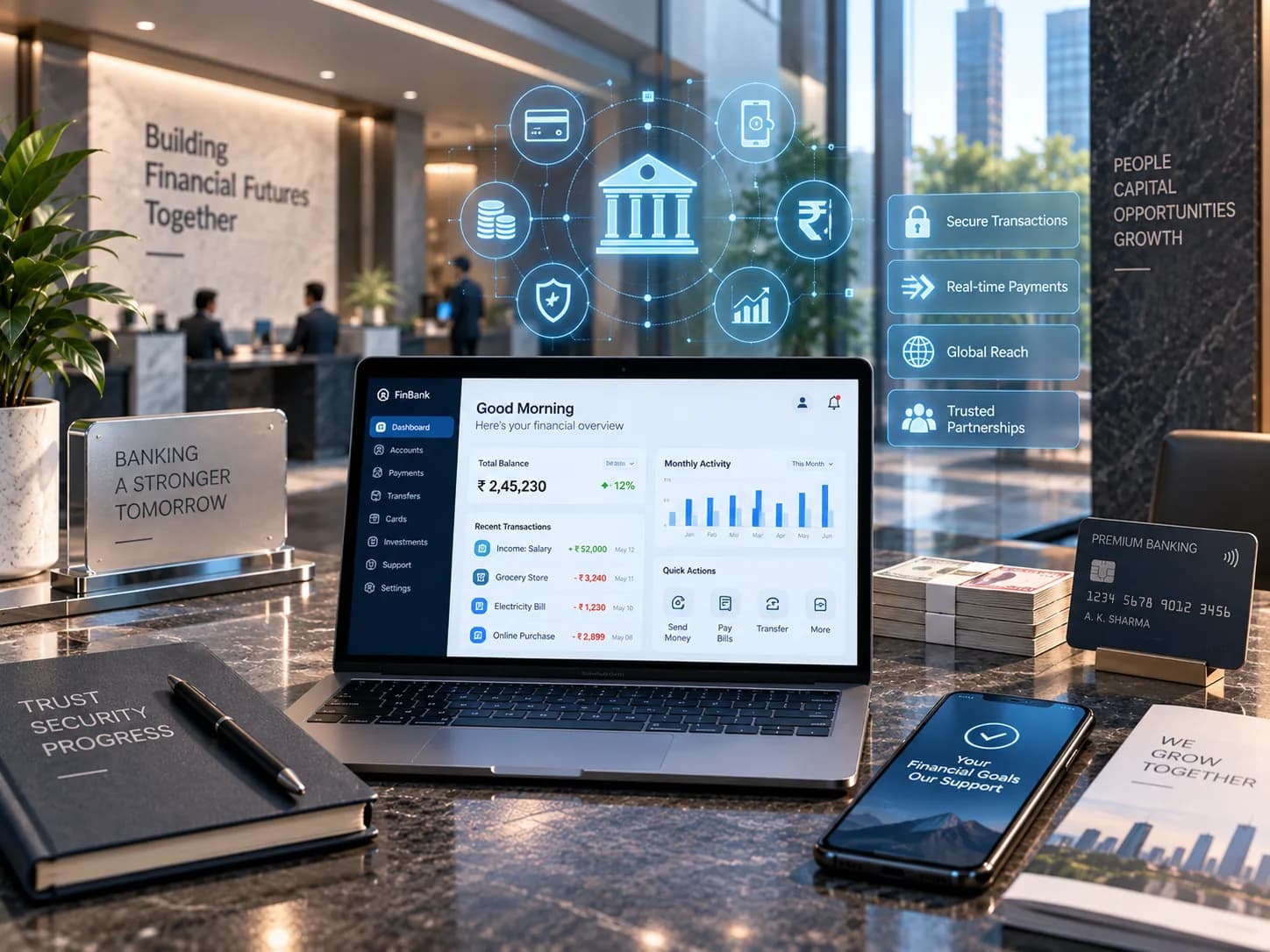
Fintech & BFSI
Secure, reliable systems for businesses built on trust.
We build and modernize financial platforms, workflows, integrations, and customer-facing applications where reliability, data integrity, auditability, security, and performance are fundamental to the business.
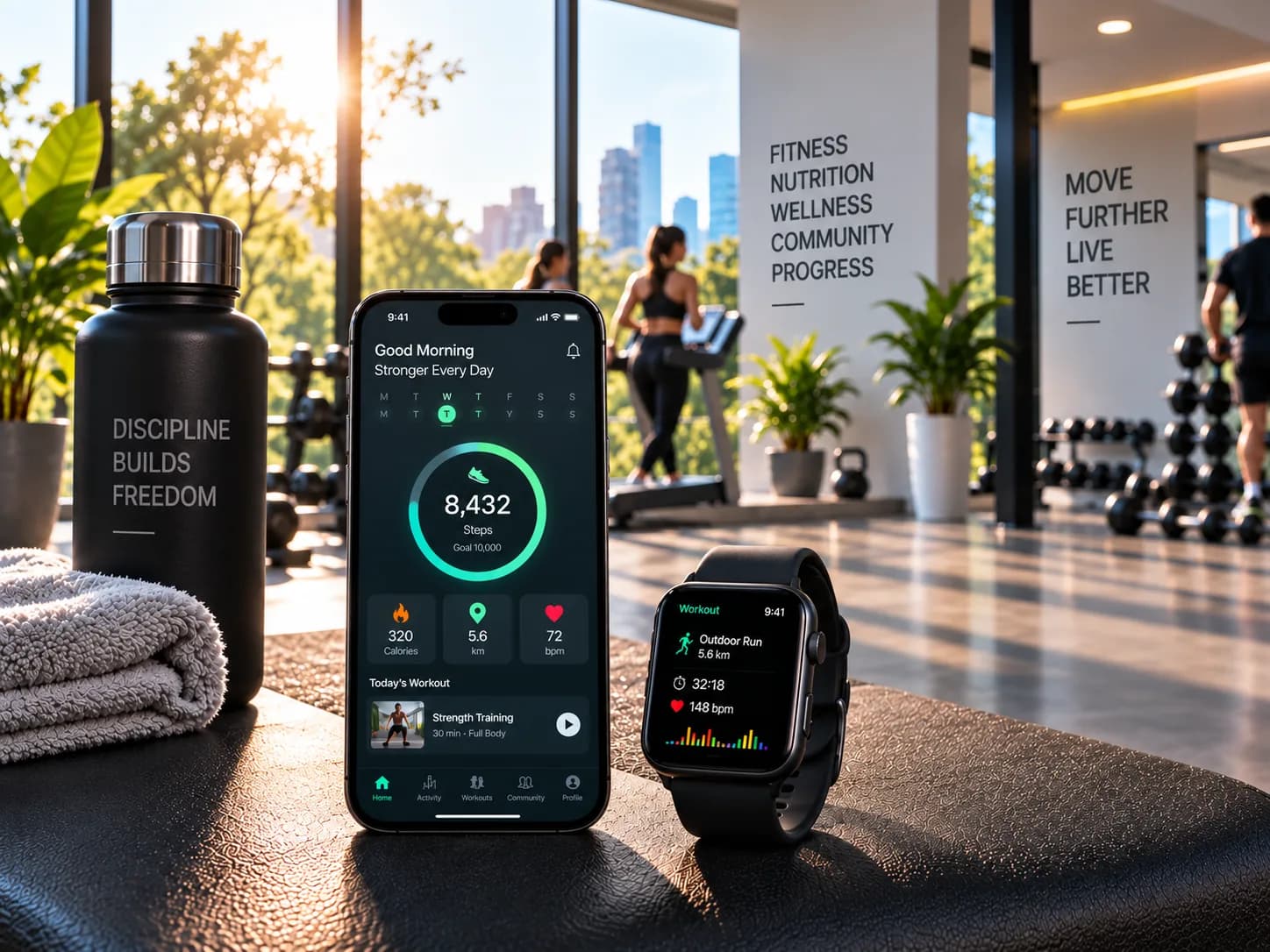
Fitness
Digital products designed to turn engagement into progress.
We create fitness platforms supporting member experiences, scheduling, subscriptions, progress tracking, coaching workflows, administration, and integrations, with usability and continued engagement at the centre.
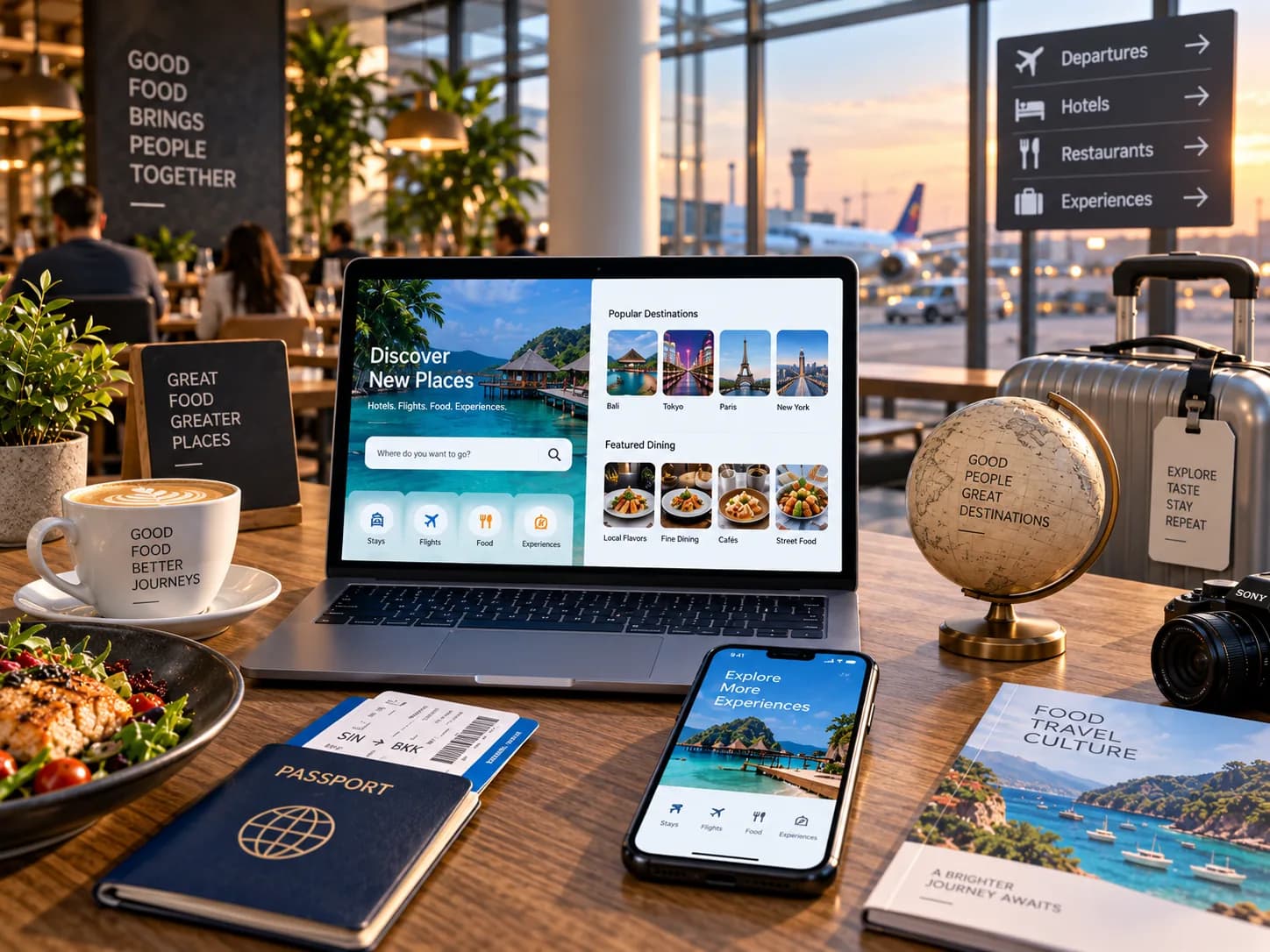
Food & Travel
Digital experiences that keep customers and operations moving.
We build customer journeys and operational platforms around ordering, booking, marketplaces, partner integrations, administration, and real-time workflows where experience and operational efficiency need to work together.
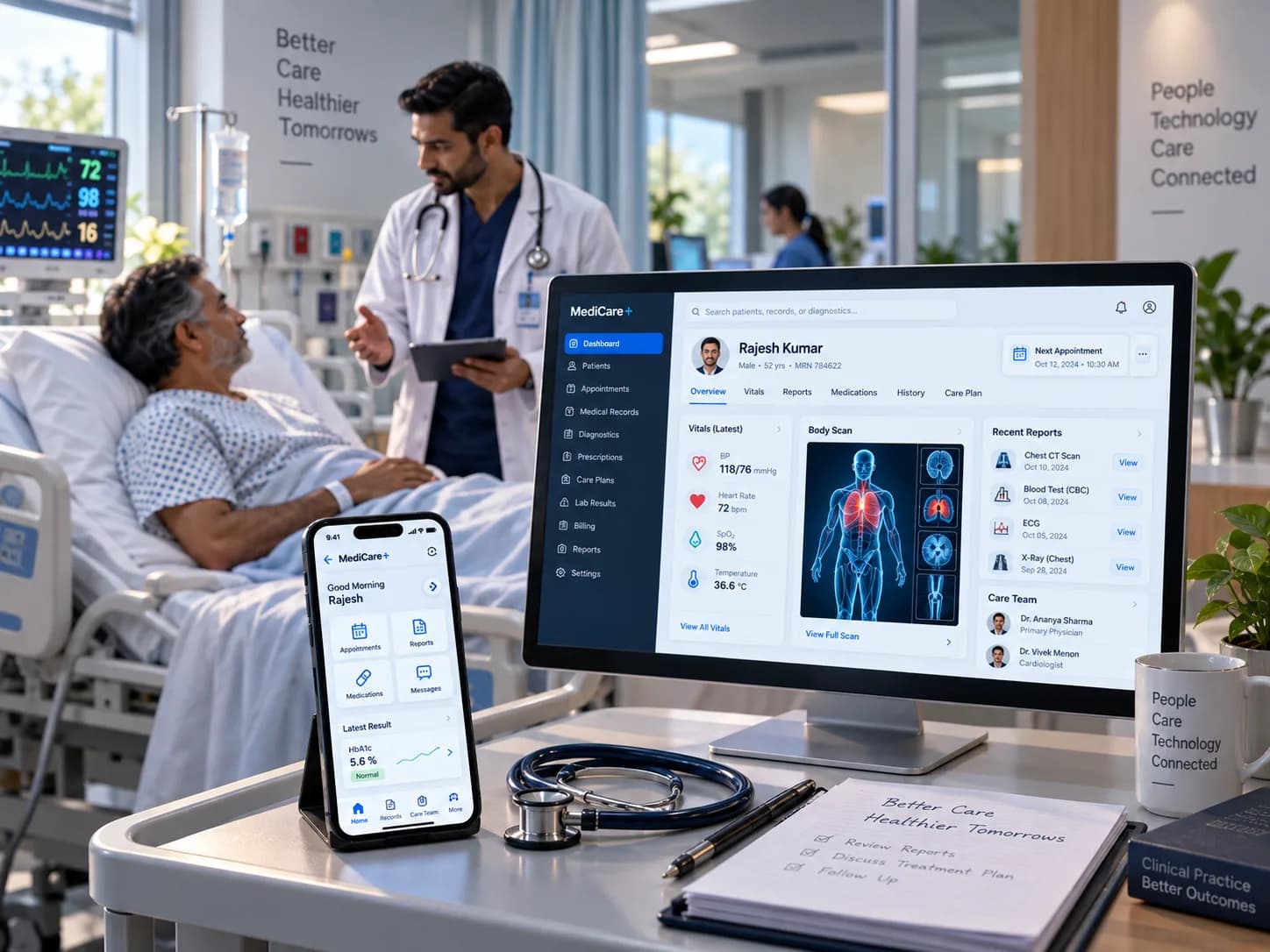
Healthcare
Technology that connects complex care and operational workflows.
We help build digital healthcare platforms, operational workflows, integrations, and data-driven applications designed around reliability, secure information handling, usability, and the realities of interconnected healthcare systems.
Related work
Engagements where the product lived on a device we did not control.


Questions about iOS work
The ones we are asked most often before a first conversation.
Should this be native or cross-platform?
Which iOS versions will you support?
How long does App Store review take?
Can you take over an existing app?
Do you build the backend too?
Can our team take it over afterwards?
Building for iPhone?
Tell us who uses it and where. We will tell you what that means for the architecture.