

Frontend Development
Most frontends are fast on the day they ship. The question worth asking is what happens to this one after twenty more people have worked on it.
- Most engagements run
- Three to nine months
- Team shape
- Two to four senior engineers
- Starts with
- An audit of what exists
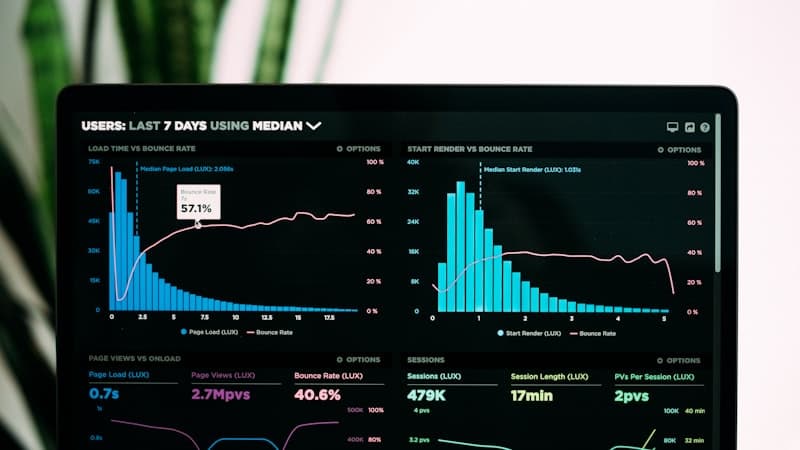
The interface is where the product's decisions become visible
Every shortcut taken in the data model, the permission model or the release process eventually surfaces as something the interface cannot do cleanly. Frontend work that ignores that ships a fast page on top of a slow product.
We build frontends as a system rather than as a set of screens: shared components with defined states, a type contract with the services behind them, and a performance and accessibility budget that fails the build rather than the review. The point is not the first release. It is that the tenth team to touch it can still move quickly.
What usually goes wrong, and what we do instead
The pattern is consistent enough that we now check for it in the first week.
Where frontends get slow and stay slow
- A component library that everyone forks rather than extends
- Loading and error states designed last, so most paths have none
- Accessibility treated as an audit at the end rather than a constraint
- Bundle size nobody owns, growing a little with every release
- Design and engineering working from different sources of truth
How we build it instead
- One component set, with its states defined before its styling
- Loading, empty and error paths designed alongside the happy path
- Keyboard and screen-reader paths tested as the work happens
- A performance budget enforced in CI, not reviewed in a meeting
- Design tokens as the shared source both sides read from
What we build
The parts of a frontend that decide whether it stays workable.
Design systems
A component set with defined states and documented rules, owned by your team rather than by us.
Performance work
Core Web Vitals measured on real devices, with a budget that fails the build when it slips.
Accessibility
WCAG 2.2 AA as a build constraint, verified by keyboard and screen reader rather than by a scanner alone.
Responsive interfaces
One interface that works from a phone to a wide display, not a desktop build with a mobile apology.
State and data fetching
Server and client state kept apart, so cache invalidation stays something you can reason about.
Testing and tooling
Component and end-to-end tests on the paths that matter, and a pipeline that runs them on every change.
What you end up with
Stated from your side rather than ours.
An interface that stays fast
The budget is enforced automatically, so performance is a property of the codebase rather than of the last person to care about it.
A team that ships without asking us
Documented components with defined states mean a new engineer's first change looks like everyone else's.
Accessibility you can evidence
The keyboard and screen-reader paths are tested, so a procurement questionnaire is a document rather than a project.
A codebase that survives a redesign
Tokens and components are separate from the screens that use them, so a visual change is not a rewrite.
How the build runs
The same five stages as every engagement, applied to an interface.
Diagnose
What exists, what it costs to change, and which of the current problems are actually backend problems.
Decide
Component boundaries, state strategy and the performance and accessibility budgets, written down with their trade-offs.
Prove
One real screen built end to end on the new foundations, measured against the budget before anything else moves.
Deliver
Screens migrated in slices, each one live and measured before the next is scoped.
Hand over
Your team runs it with us watching, then without us.
What we build it with
Chosen for what an interface has to survive, not for novelty.
Core
- TypeScript
- React
- Next.js
- Vue.js
- Angular




Styling
- Tailwind CSS
- Sass
- Storybook
- Figma


State and data
- GraphQL
- Design tokens
- Redux
- Zustand
Quality
- Playwright
- Vitest
- GitHub Actions
- Vercel

What you get, and when
Handed over as it is produced, not assembled at the end.
- A written assessment of the current frontend and what it costs to change
- Component boundaries and the state strategy, with trade-offs
- Performance and accessibility budgets, agreed as numbers
- Components with documented states, in a repository you own
- Design tokens shared with the design source of truth
- A running Storybook your team can extend
- Core Web Vitals measured per release
- Accessibility test results, keyboard and screen reader
- End-to-end coverage on the paths that carry revenue
The rest of our web work
Most web engagements touch two or three of these. If you are not sure which, the consultation is the way in.
Where we have built this
Sectors where the interface carries the operational load rather than decorating it.

Fintech & BFSI
Secure, reliable systems for businesses built on trust.
We build and modernize financial platforms, workflows, integrations, and customer-facing applications where reliability, data integrity, auditability, security, and performance are fundamental to the business.

EdTech & eLearning
Learning platforms designed around engagement and scale.
From learner journeys and course delivery to assessments, administration, analytics, and integrations, we develop education platforms that make learning experiences easier to operate, evolve, and scale.
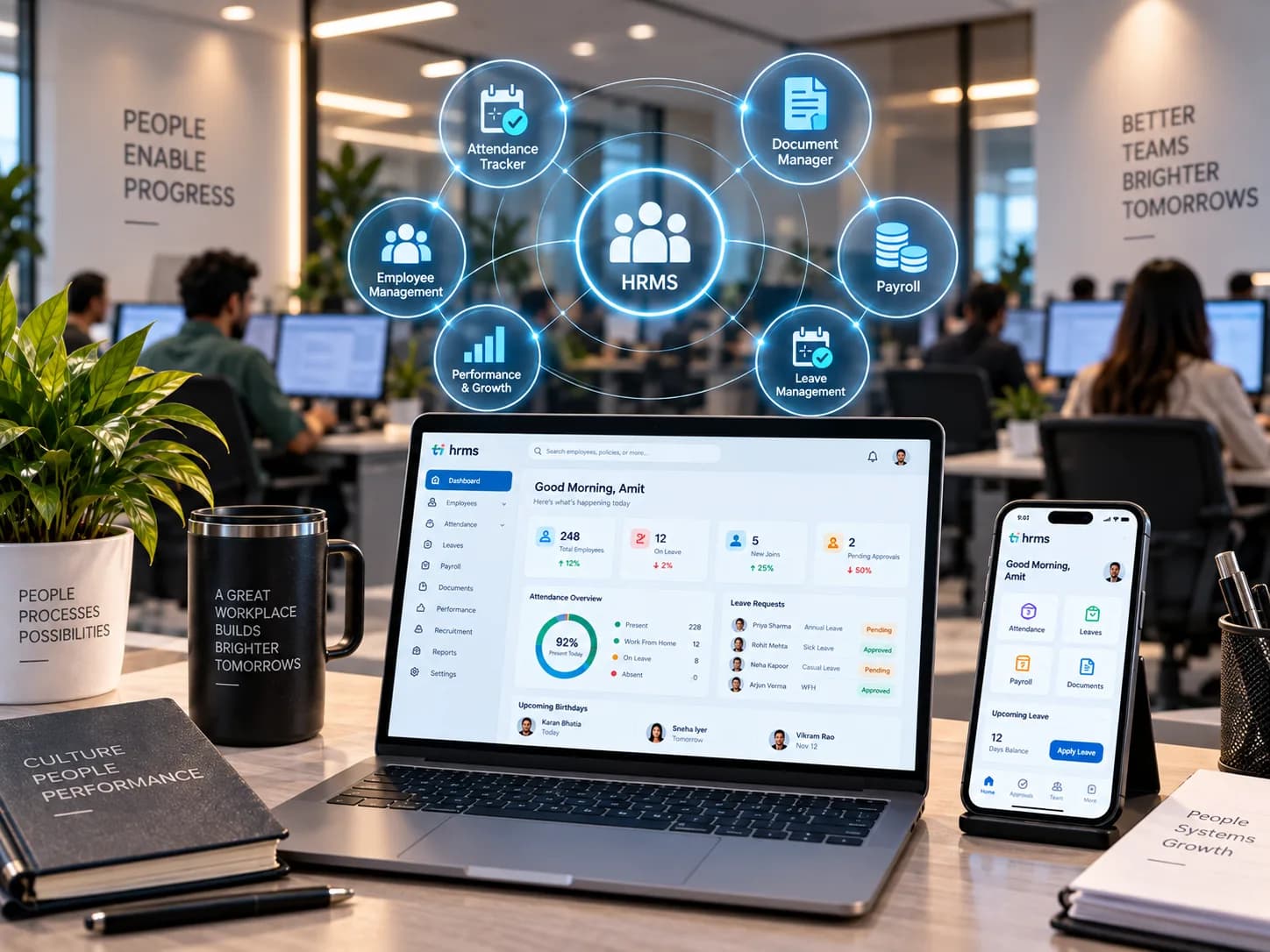
HRMS
Workforce systems built around how organisations actually operate.
We build and improve workforce platforms spanning recruitment, onboarding, employee management, attendance, operational workflows, reporting, and integrations, reducing friction across the employee lifecycle.
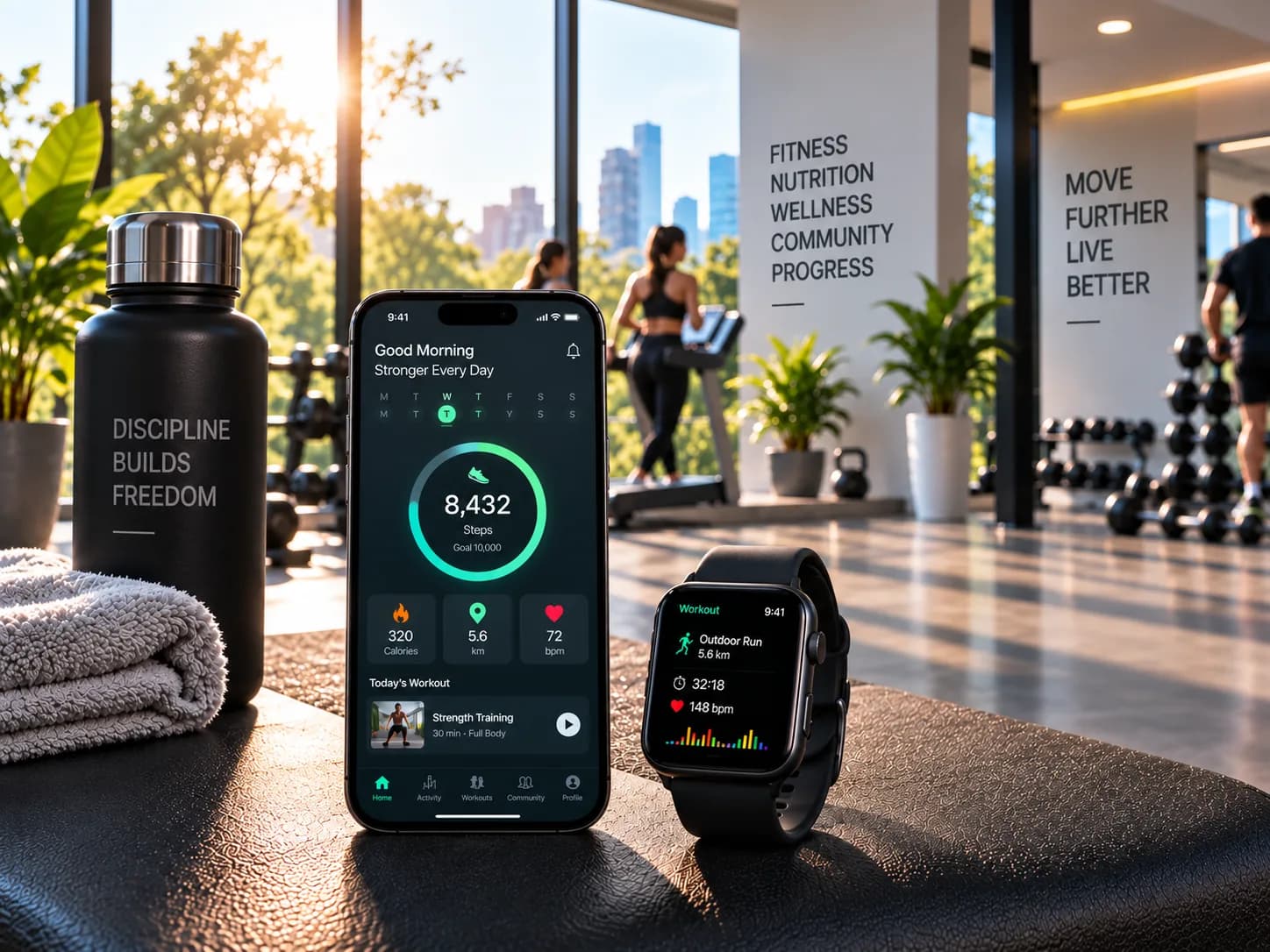
Fitness
Digital products designed to turn engagement into progress.
We create fitness platforms supporting member experiences, scheduling, subscriptions, progress tracking, coaching workflows, administration, and integrations, with usability and continued engagement at the centre.
Related work
Engagements where the interface was the part that had to keep working.


Questions about frontend work
The ones we are asked most often before a first conversation.
Do you rewrite the frontend or improve what we have?
Can you work with our existing designers?
Do we have to use React?
Can you guarantee a specific performance score?
What accessibility standard do you build to?
What happens when the engagement ends?
Frontend slowing your team down?
Tell us what has become hard to change. We will tell you whether the problem is actually in the frontend.