

Web Application Migration
Same behaviour, different ground. A migration that changes what the system does at the same time is two projects, and it is usually the second one that sinks it.
- Most engagements run
- Four to twelve months
- Team shape
- Three to five senior engineers
- Starts with
- A diagnostic, before any proposal
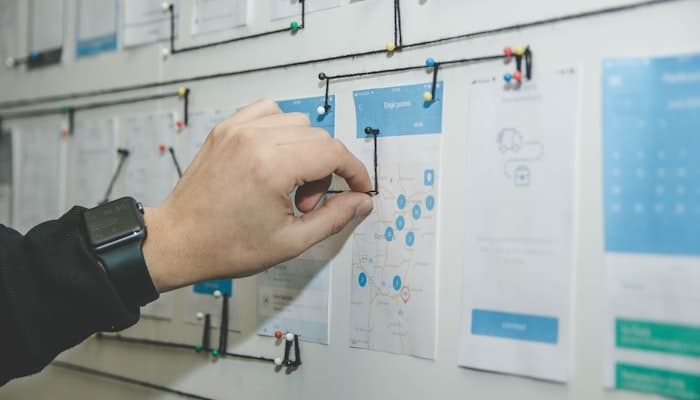
One change at a time is the whole discipline
A migration is a move: to a new cloud, a new database, a new framework version, a new hosting arrangement. The behaviour on the other side should be identical, and the test of success is that users do not notice.
That sounds modest and is surprisingly hard to hold to, because a migration surfaces every improvement anyone has been waiting to make. Accepting those is how a three-month move becomes a year, and how a failure becomes impossible to diagnose — when behaviour changed and the platform changed together, nobody can say which one broke it. We keep the two apart, and the list of deferred improvements is a deliverable rather than a refusal.
What usually goes wrong, and what we do instead
Migrations fail on scope and on verification, rarely on the move itself.
Where migrations go wrong
- Improvements folded in, so a failure cannot be attributed to anything
- A single cutover weekend with no rehearsed way back
- Configuration that existed only on the old servers, discovered live
- Data verified by row count rather than by behaviour
- Integrations pointing at hostnames nobody knew were hardcoded
How we run it instead
- Behaviour held constant, with improvements listed and deferred
- Traffic moved gradually, and moved back at least once on purpose
- Environments rebuilt as code, so nothing depends on a live machine
- Old and new run in parallel and are compared on real traffic
- Every outbound and inbound dependency inventoried before the move
What changes, in practice
The system does the same things. These are the things that are different around it.
Where it runs today
Working, and hard to reproduce.
- Environments configured by hand, and not identically
- A new environment takes days and someone's memory
- Scaling means a bigger machine, ordered in advance
- Recovery is a restore nobody has tested this year
- Patching is deferred because the upgrade path is unknown
- Costs are a fixed bill nobody can attribute to anything
Where it runs after
Same behaviour, reproducible.
- Environments defined as code and rebuilt from it
- A new environment takes minutes and no tribal knowledge
- Scaling is a configuration change, applied when load says so
- Recovery is tested on a schedule, with a measured objective
- Dependencies are current, and upgrading is routine
- Costs are attributable to services and visible per environment
What the work involves
Whatever is moving, the shape of the work is the same.
Platform moves
On-premise to cloud, or between clouds, with environments rebuilt as code rather than copied.
Database moves
Engine or version changes, replicated and reconciled while both sides serve traffic.
Framework and runtime upgrades
Major-version jumps done incrementally, with the old version serving until the new one matches.
Dependency inventory
Everything the system calls and everything that calls it, found by measuring traffic rather than by asking.
Parallel verification
Real requests served by both sides and compared, so a difference is found before users find it.
Rehearsed rollback
The route back exercised on production traffic before the move that needs it.
How the migration runs
The same five stages as every engagement, applied to a move.
Diagnose
What is really running, what depends on it, and what configuration exists only on the current machines.
Decide
The target, the sequence and the verification method, written down along with the improvements being deferred.
Prove
A share of production traffic served by the new platform, compared against the old, and routed back once deliberately.
Deliver
Traffic moved in increments, each one verified and stable before the next.
Hand over
Your team operates the new platform with us watching, then without us, and the old one is retired once nothing calls it.
What we move systems onto
The target depends on where you are going and what you already run. This is the usual range.
Platform
- AWS
- Azure
- Google Cloud
- Kubernetes
- Docker




Infrastructure as code
- Terraform
- GitHub Actions
- Datadog
- Sentry


Data
- PostgreSQL
- MySQL
- MongoDB
- Redis
- Elasticsearch





Runtime
- Node.js
- TypeScript
- Java
- Spring Boot
- Python




What you get, and when
Handed over as it is produced, not assembled at the end.
- An inventory of what runs, and what calls it in both directions
- The target architecture and the migration sequence
- The deferred improvements list, so nothing is silently dropped
- Environments defined as code, in accounts you own
- Pipelines that build and deploy without a person in the loop
- Comparison results from parallel running on real traffic
- A rehearsed rollback, exercised rather than documented
- Dashboards, alerts and their runbooks
- A decommissioning record for what has been retired
The rest of our web work
Most web engagements touch two or three of these. If you are not sure which, the consultation is the way in.
Related work
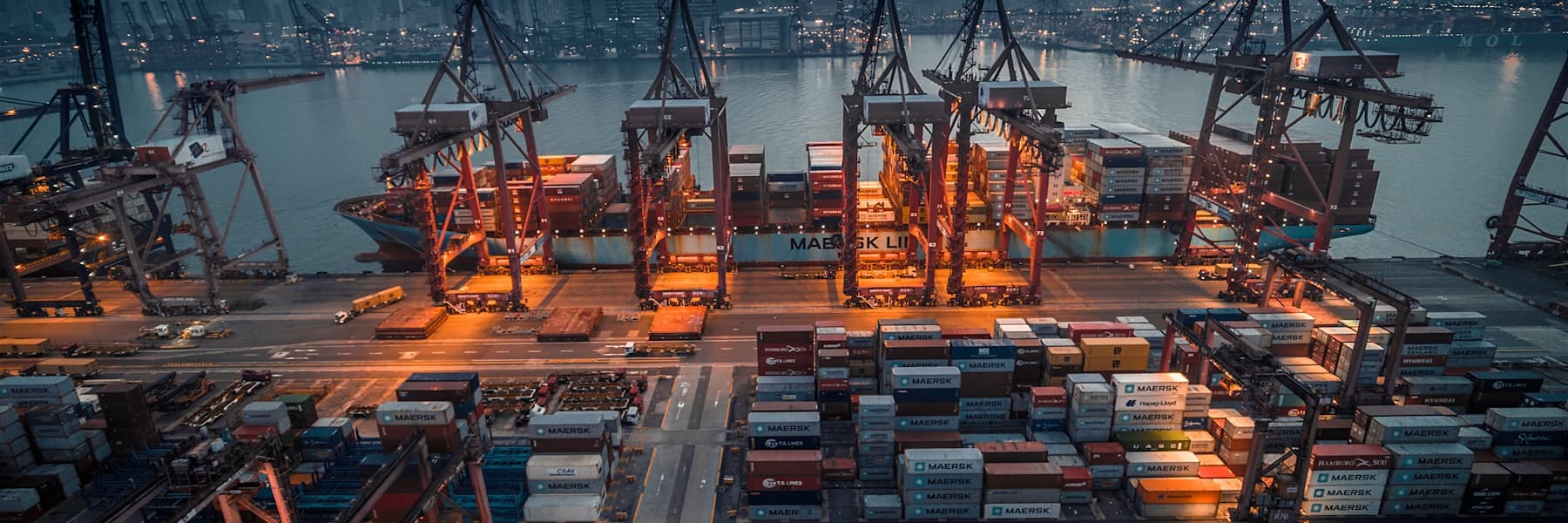
Engagements where the system had to keep serving traffic while it moved.

What we work towards
ILLUSTRATIVE, pending sign-off. These are the measures a migration is judged on and the direction they should move — not results from a named engagement. They will carry real figures or be removed before launch.
Time to stand up an environment
Recovery objective
Deploy frequency
Configuration held outside code
Cost attribution
Questions about migration
The ones we are asked most often before a first conversation.
How is this different from modernization?
Will there be downtime?
Can we fix things at the same time?
How do you know it behaves the same?
Which cloud should we move to?
When can we cancel the old contract?
Need to move a system that cannot stop?
Tell us where it runs now and where it needs to go. We will tell you what the sequence should be.