

PWA Development
One codebase that installs to a home screen, keeps working when the signal drops, and ships a fix in an afternoon rather than a review cycle.
- Most engagements run
- Three to eight months
- Team shape
- Two to four senior engineers
- Starts with
- An offline requirements review

Most products do not need an app. Some genuinely do.
A progressive web app removes the app store from the release path, which is the right trade for a lot of internal tools, field applications and content products. It is the wrong trade if you need deep hardware access or a store listing as a distribution channel.
The first conversation is therefore about which of those you are, because the answer changes the whole engagement. If a PWA is right, the interesting work is not the manifest and the service worker — those take a week. It is deciding what happens when the network is gone: which data is available, which actions are allowed, and what the system does with a conflicting edit when the connection comes back.
What usually goes wrong, and what we do instead
Almost every difficult PWA problem is a synchronisation problem wearing a different hat.
Where PWAs disappoint
- Offline treated as a caching setting rather than a product decision
- A service worker that serves a stale build nobody can clear
- Conflicting edits resolved by whichever device reconnects last
- An install prompt that appears before the user knows what it is
- Push notifications assumed to work everywhere, then quietly not
How we build it instead
- Which data works offline decided as a product question, in writing
- Versioned service workers with an explicit, testable update path
- A conflict rule per data type, agreed before any of it is built
- Install prompted after the user has a reason, not on first paint
- Platform limits established up front and designed around, not past
What we build
The parts of a progressive web app that decide whether people keep it installed.
Offline behaviour
A defined answer for what works with no connection, and what the interface says about the parts that do not.
Sync and conflict handling
A resolution rule per data type, agreed with you before it is built rather than discovered in production.
Install experience
A manifest, icon set and prompt timed to a moment where installing is obviously worth it.
Update strategy
Versioned service workers that roll out predictably, and can be rolled back when a release is wrong.
Notifications
Web push where the platform supports it, with a designed fallback where it does not.
Performance on real devices
Measured on the hardware your users actually carry, not on a developer laptop.
What you end up with
Stated from your side rather than ours.
Releases that do not queue
A fix reaches every user the day it is written, with no store review between the decision and the effect.
One codebase across platforms
Android, iOS and desktop from the same source, so a feature is built once rather than three times.
Staff who can work where the signal is not
A warehouse, a basement or a rural site stops being the reason the job was recorded on paper.
No install barrier
The product is a link. People can use it before deciding whether to keep it, which is a different conversion problem from a store listing.
How the build runs
The same five stages as every engagement, applied to an installable web app.
Diagnose
Where it will be used, what the network is like there, and whether a PWA is genuinely the right shape.
Decide
The offline data set, the conflict rules and the update strategy, written down before anything is built.
Prove
One workflow, offline and back online, on real devices in the place they will actually be used.
Deliver
Features built in slices, each one tested against a dropped connection before the next is scoped.
Hand over
Your team runs it with us watching, then without us.
What we build it with
Chosen for what an installable web app has to survive on real hardware.
Core
- TypeScript
- React
- Next.js
- Vite




Offline
- Service workers
- IndexedDB
- Workbox
- Web Push
Data
- PostgreSQL
- Firebase
- Supabase
- Redis




Platform
- AWS
- Vercel
- GitHub Actions
- Sentry



What you get, and when
Handed over as it is produced, not assembled at the end.
- The offline data set, decided and written down
- A conflict resolution rule per data type
- A written recommendation on whether a PWA is the right shape at all
- Source in repositories you own
- Manifest, icon set and a versioned service worker
- A tested update and rollback path
- Offline behaviour tested on the target devices
- Performance measured on real hardware, not an emulator
- A written record of the platform limits and how each is handled
The rest of our web work
Most web engagements touch two or three of these. If you are not sure which, the consultation is the way in.
Where we have built this
Sectors where people use the product away from a desk, and often away from a signal.

Food & Travel
Digital experiences that keep customers and operations moving.
We build customer journeys and operational platforms around ordering, booking, marketplaces, partner integrations, administration, and real-time workflows where experience and operational efficiency need to work together.
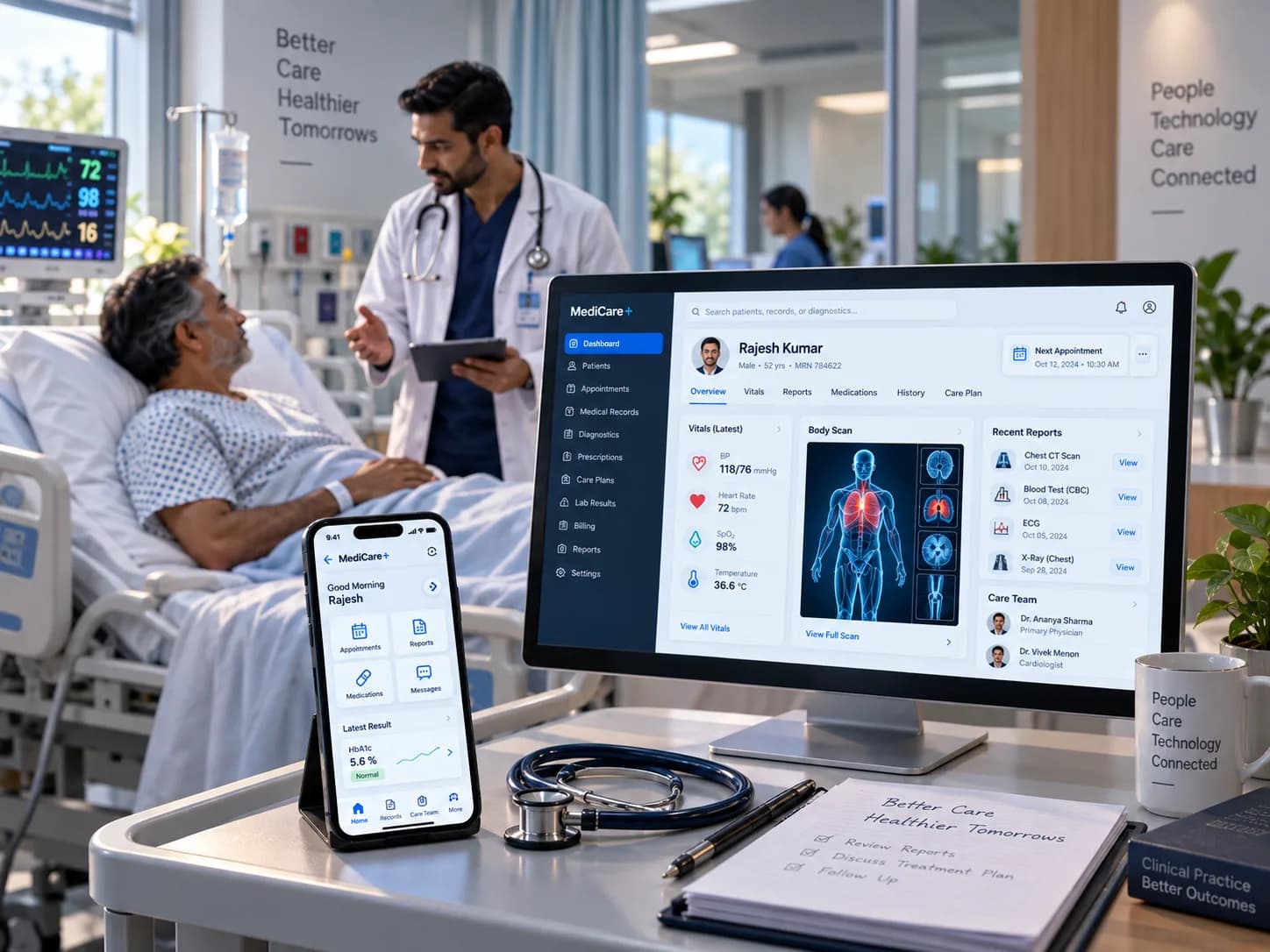
Healthcare
Technology that connects complex care and operational workflows.
We help build digital healthcare platforms, operational workflows, integrations, and data-driven applications designed around reliability, secure information handling, usability, and the realities of interconnected healthcare systems.
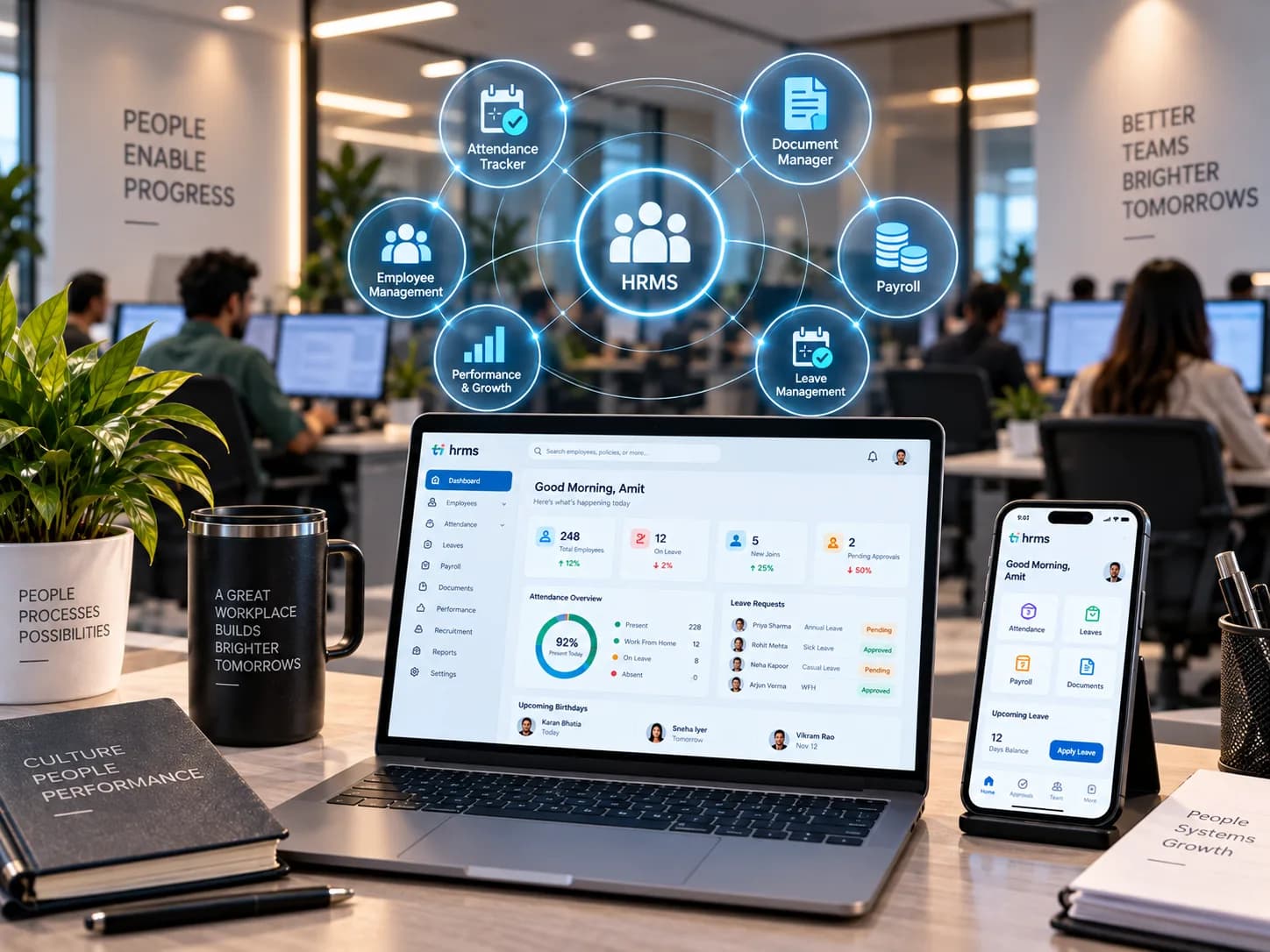
HRMS
Workforce systems built around how organisations actually operate.
We build and improve workforce platforms spanning recruitment, onboarding, employee management, attendance, operational workflows, reporting, and integrations, reducing friction across the employee lifecycle.
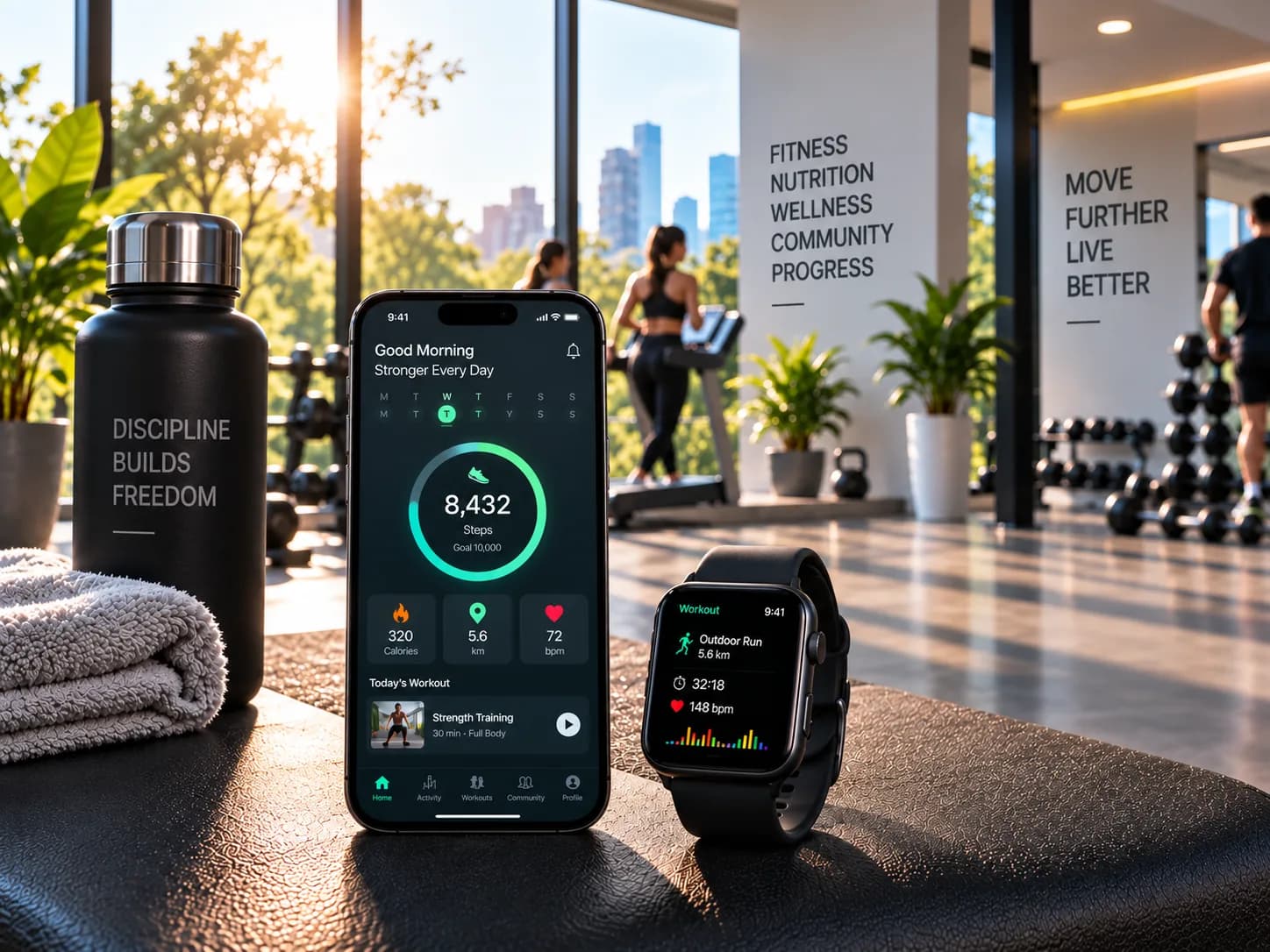
Fitness
Digital products designed to turn engagement into progress.
We create fitness platforms supporting member experiences, scheduling, subscriptions, progress tracking, coaching workflows, administration, and integrations, with usability and continued engagement at the centre.
Related work
Engagements where the product had to keep working away from a desk.


Questions about progressive web apps
The ones we are asked most often before a first conversation.
Should we build a PWA or a native app?
Do PWAs work properly on iPhones?
Can the whole app work offline?
Can we still list it in an app store?
Can you convert our existing web app?
How do updates reach people who have it installed?
Need an app without an app store?
Tell us where it will be used and what has to work without a signal. We will tell you whether a PWA is the right shape.